





















Direct Thermal vs Thermal Transfer Labels: A Buyer’s Decision Guide
Choose the printing method around the information lifespan, exposure, printer configuration and verified media combination.
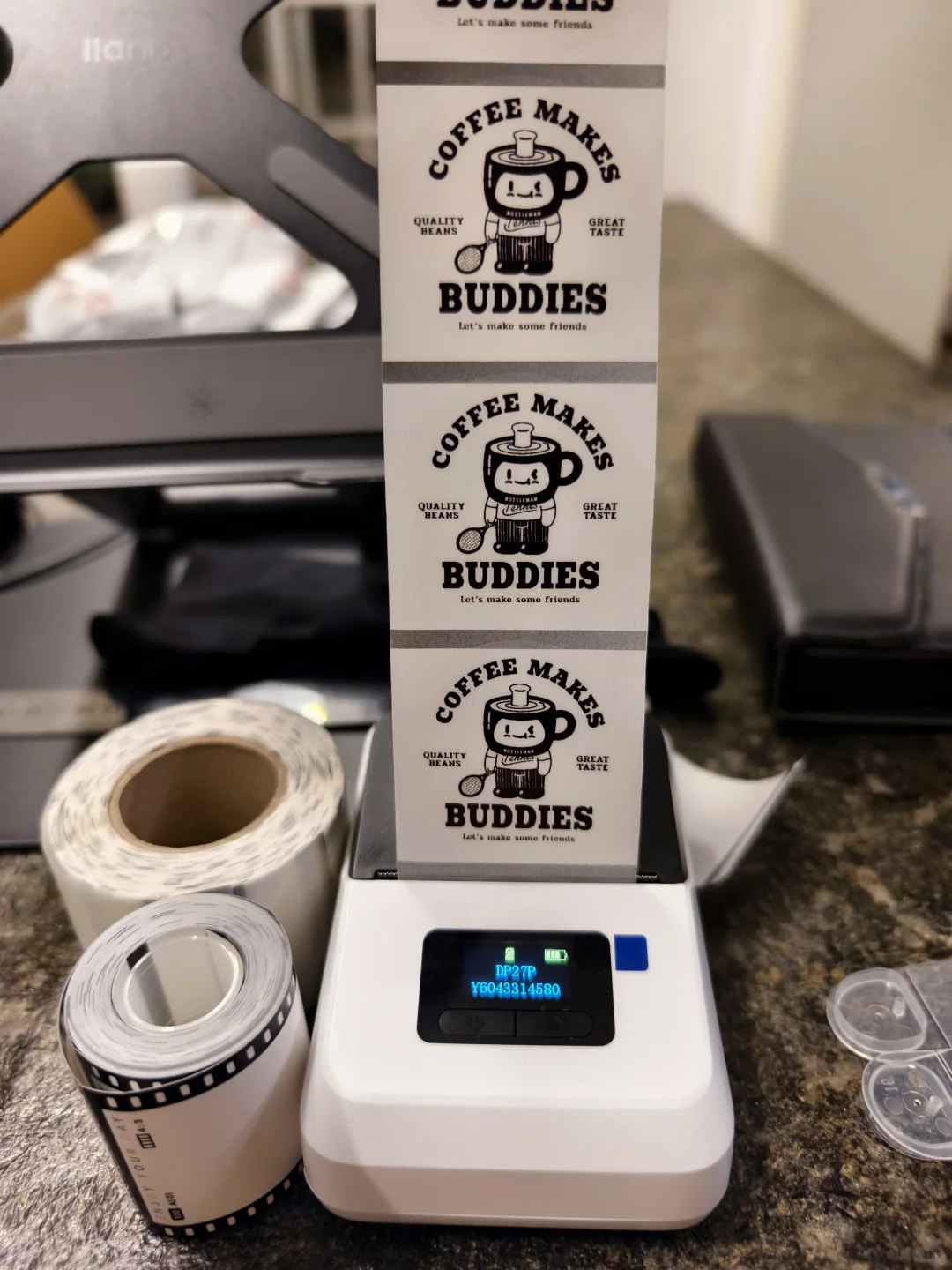
Direct thermal printing creates an image on heat-sensitive label material without a ribbon. Thermal transfer printing uses a ribbon to transfer the image onto compatible media. Choose between them by checking how long the information must remain usable, what exposure it will face and which method the actual printer supports.
For a business buyer, the decision includes the label, printer, settings and handling process. A roll that fits inside the printer is not enough evidence of compatibility. Before ordering, define the journey of the printed information, from the first scan to the final required use.
Compare the two methods
| Point | Direct thermal | Thermal transfer |
|---|---|---|
| How the image forms | Heat acts on specially treated media | Heat transfers material from a ribbon |
| Ribbon | Not used | Required and matched to the media |
| Key buying question | Will the image remain usable throughout the intended exposure? | Which ribbon and media combination meets the intended exposure? |
| Equipment check | Confirm direct thermal capability and media specifications | Confirm thermal transfer hardware and ribbon specifications |
| Approval evidence | Printed samples after the intended journey | Printed samples from the proposed ribbon and media combination |
Zebra explains that direct thermal images can fade and that the media can darken with heat, light or other exposure. Thermal transfer allows a wider choice of media. These differences help form a shortlist, but neither method alone establishes a guaranteed service life or suitability for every environment.
Define the life of the information
Ask the operations team when the label is printed, when it is first used and when it is last needed. Include waiting time before dispatch and any period after receipt. A short transport route can still involve prolonged storage; an internal warehouse label might remain on stock much longer than expected.
Write down the actual exposure sequence. Consider whether the label encounters sunlight near a window, warm equipment, rubbing against adjacent packs, moisture or cleaning. Distinguish routine conditions from unusual but credible events. Give the supplier enough detail to propose a testable construction rather than a broad “long-lasting” claim.
For product identity, batch traceability or replacement parts, specify the last point at which the information must still be read or scanned. That requirement should be agreed with the team using the data. Procurement should not have to infer it from the requested label size.
Confirm the exact printer configuration
Record the model and installed configuration, then consult its manufacturer documentation. Do not infer thermal transfer capability because another printer in the same series uses ribbon. Ask the supplier to confirm the proposed roll and, where required, ribbon against the machine’s supported specifications.
Check label dimensions, liner width, core and roll diameter, as well as the intended sensing arrangement. These are separate from the print method. Keep the approved settings with the job so another shift can reproduce the setup without guessing.
Zebra’s SmartCal documentation for specific desktop models describes calibration that recognises gap, black-mark or continuous media and measures its characteristics. The procedure is model-specific. Follow the manual for your printer rather than applying a button sequence found for a different machine.
Match ribbon and media together
For thermal transfer, ask for an identified ribbon and media pairing. Zebra offers wax, wax/resin and resin formulations for different durability requirements when matched to suitable materials. The purchasing record should preserve that pairing so a later ribbon substitution does not become an unnoticed change.
Request a sample produced with the intended equipment and combination. Record ribbon reference, media reference, settings and artwork version. If the supplier offers more than one option, compare them under the same conditions. Evaluate the printed image and the label’s attachment separately: improving one does not automatically resolve the other.
Our blank thermal label page collects the printer and media details needed for a specification discussion. For changing product information, also review variable data labels.
Test the complete job before a large run
- Prepare representative data. Include the actual text, barcode format and demanding layouts, rather than approving only a large sample word.
- Confirm the setup. Check the selected print method, loaded supplies, dimensions and calibration using the printer’s documentation.
- Inspect the first prints. Review placement, missing content and visible print defects before committing the batch.
- Test the intended journey. Agree exposure conditions, duration, sample quantity and acceptance criteria with the supplier and quality team.
- Check the information at the end. Use the intended reading or scanning process. Where a formal barcode quality requirement applies, include its specified verification method.
- Save the approved combination. Retain samples, settings and supply references so repeat orders can be compared meaningfully.
This is an approval workflow, not a promise that an arbitrary trial establishes a particular lifespan. Real sample performance varies with the media, ribbon where used, equipment, package and exposure conditions.
Questions buyers ask
Can the print mode cause a ribbon error?
Yes. Zebra’s ZT200 troubleshooting guidance identifies a mismatch between printer and driver settings as one possible reason a ribbon error persists. Check the relevant model instructions and job settings before assuming the consumables are faulty.
Does “thermal” mean waterproof?
No. It identifies a printing method, not the performance of the complete label. Specify the water exposure and assess both printed information and attachment on actual samples.
Which method is cheaper?
Compare total cost for the approved job: supplies, ribbon if required, setup, rejected prints, labour and replacement work. A lower consumable price is useful only when the information stays usable for the required period. Send those requirements with your quote request.