



















Keep the graphic.
Peel away the carrier.
Logos, lettering and illustrations that transfer as separate graphic elements. Explore options for gift packs, cups, device housings and illuminated panels, then select the construction for your surface.
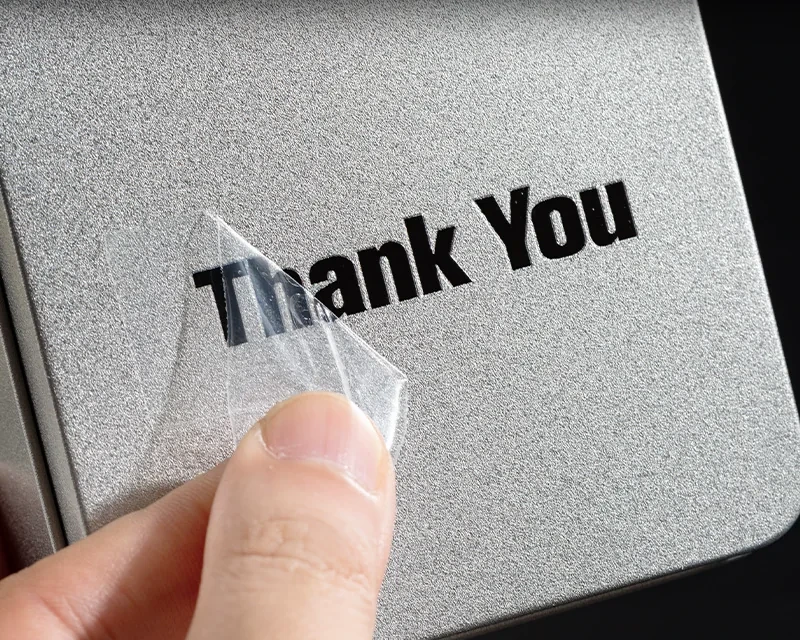
A clear label and a transfer leave different results.
| Decision | Continuous-film label | Carrier-based transfer |
|---|---|---|
| What stays on the pack | Printed artwork and the surrounding clear face stock. | The transferred graphic elements; the application carrier is removed. |
| Artwork planning | Define the outer label cut, colour and white-ink areas. | Review detached letters, fine strokes and the spacing between separate elements. |
| Application | Peel from the liner and apply the label construction. | Position, apply and remove the carrier following the chosen variant’s instructions. |
| Supply format | Rolls or sheets as specified for the label. | Sheets or rolls where supported by the specified transfer construction. |
| Start here | Compare clear labels → | Choose the graphic application → |
Choose by the object you are decorating.
Gift-pack logos
Use a positioned logo or illustration as a finishing detail on the chosen box, jar or pack.
View construction →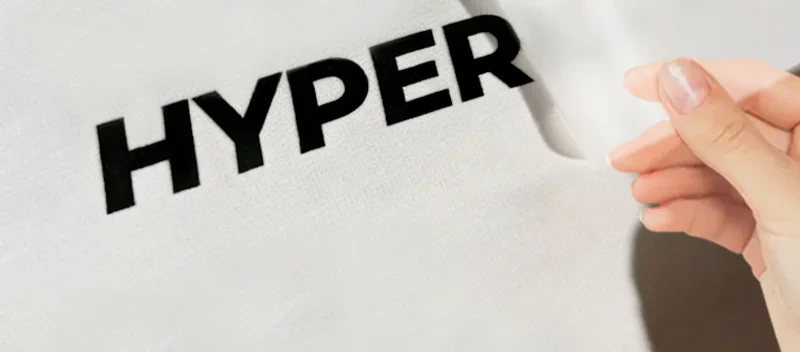
Cold-transfer graphic details
Compare colour and metallic-looking variants. Confirm composition and the cold application sequence for the selected example.
View construction →
Graphics for clear cups
Fit separate lettering and illustration to the cup curve. Trial the smallest elements and intended cleaning conditions.
View construction →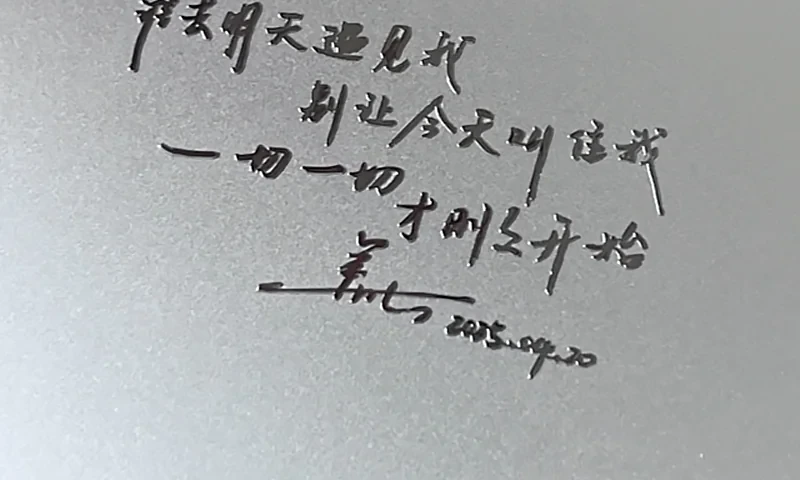
Laptop and tablet lettering
Plan a final-size graphic around the housing shape, seams and vents. Test adhesion and removal on the actual coating.
View construction →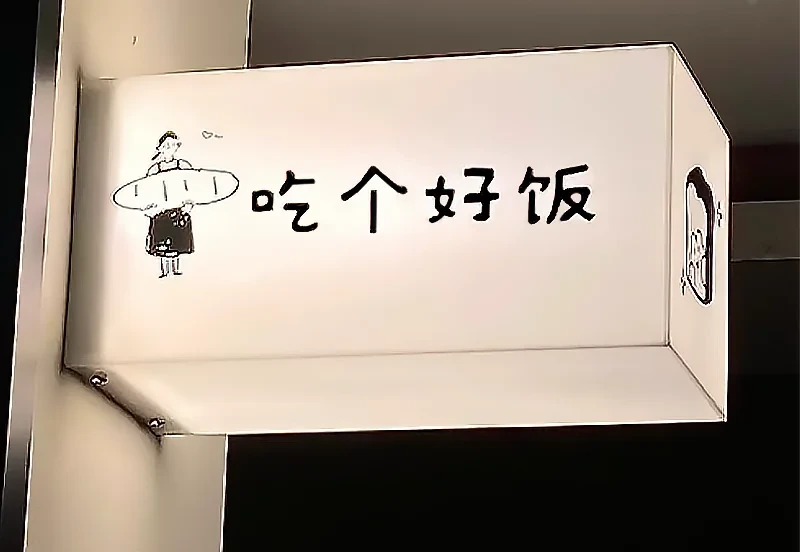
Illuminated-panel graphics
Define lit, opaque and clear areas, then review the panel with illumination on and off. Application method is variant specific.
View construction →Three checks make the artwork usable.
Map the graphic
Supply final dimensions, colour references and separate elements. Include the smallest text, isolated dots and narrow strokes in the proof.
Trial the actual surface
Use the real material, coating and curve. Follow the agreed placement, pressure, peel and any equipment instructions for that construction.
Inspect the applied result
Check complete transfer, alignment, edge appearance and adhesion after carrier removal. Add cleaning or exposure checks that match the intended use.
Use the approved application method for your construction. Confirm whether it is cold applied or needs heat or equipment, together with the placement, pressure and peel sequence.
Questions about transfer graphics.
Will there be a transparent rectangular border?
Is every option UV DTF or cold applied?
Can a metallic-looking graphic be called metal foil?
Can these be washed or removed cleanly?
What should I send for a quotation?
Show us the object. Bring the graphic.
Share a final-size design and a photograph of the item. The quotation can then identify the transfer variant, sample needs, application method and supply format.